Better document reading, usage forecasts & asking Minis by label
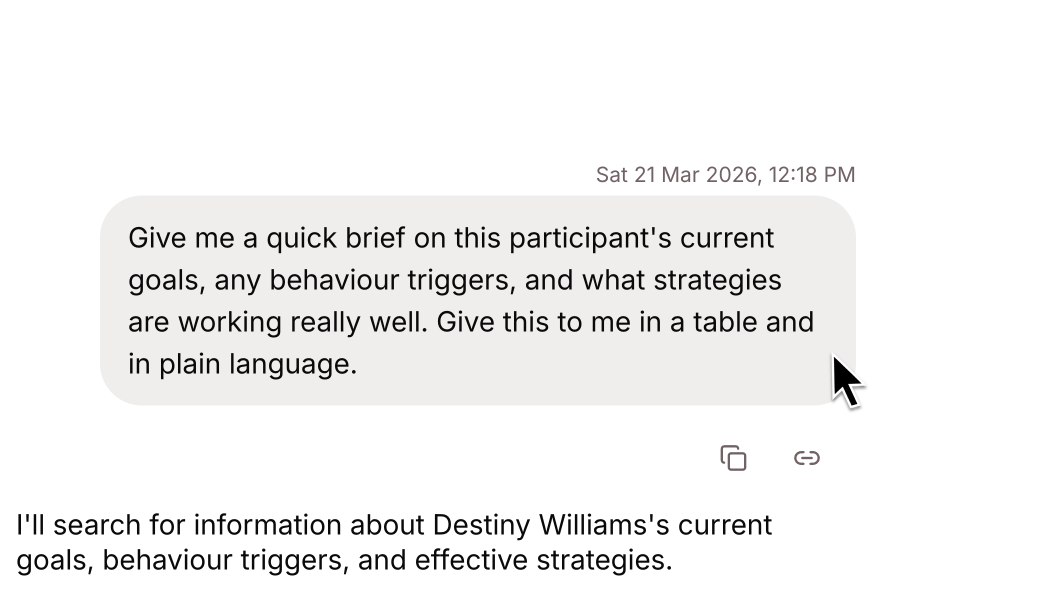
We've started rolling out a new way of reading your documents, so Minis can read handwriting, tablet-signed forms and harder PDFs once it's on in your workspace. The Budget page now shows which job categories are using your credits and forecasts where the billing period will end up. Insights has been split into Overview, Users, Minis and Records tabs, and the Workspace agent can ask every Mini under a label in a single request. Plus fixes across chat, records, search and imports.
What's New
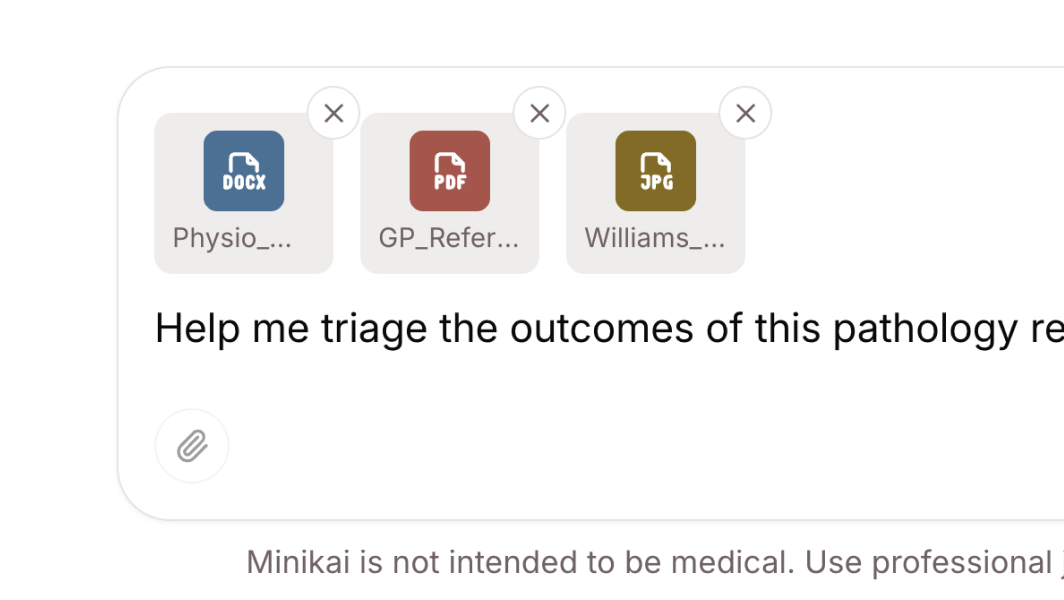
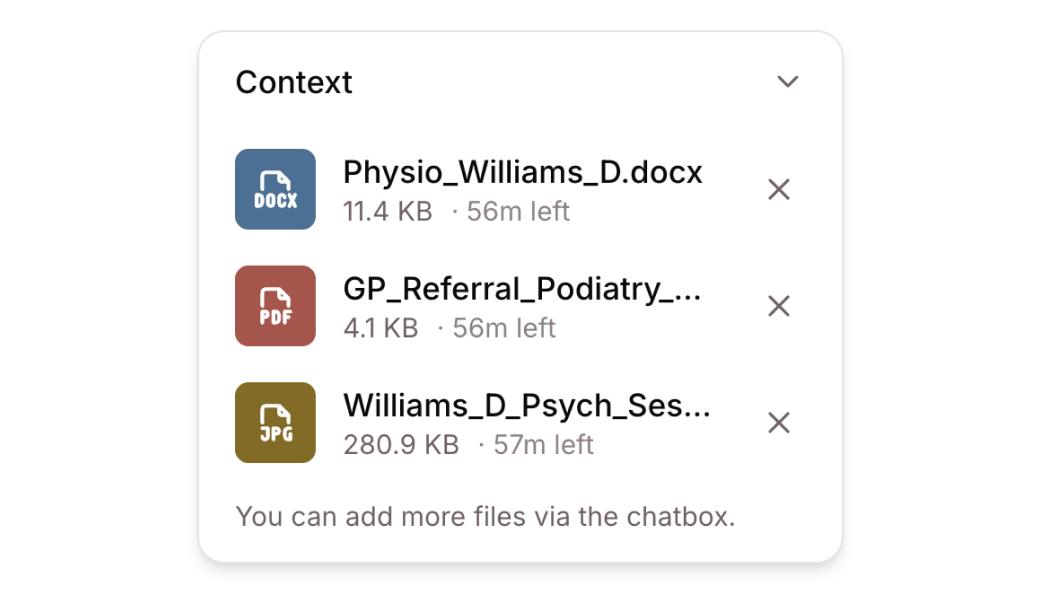
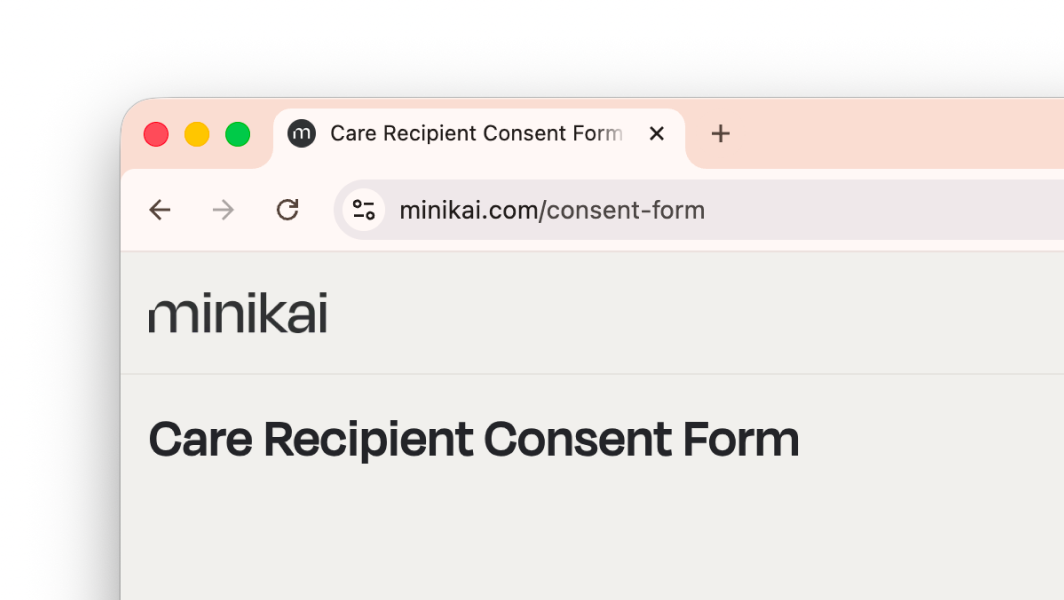
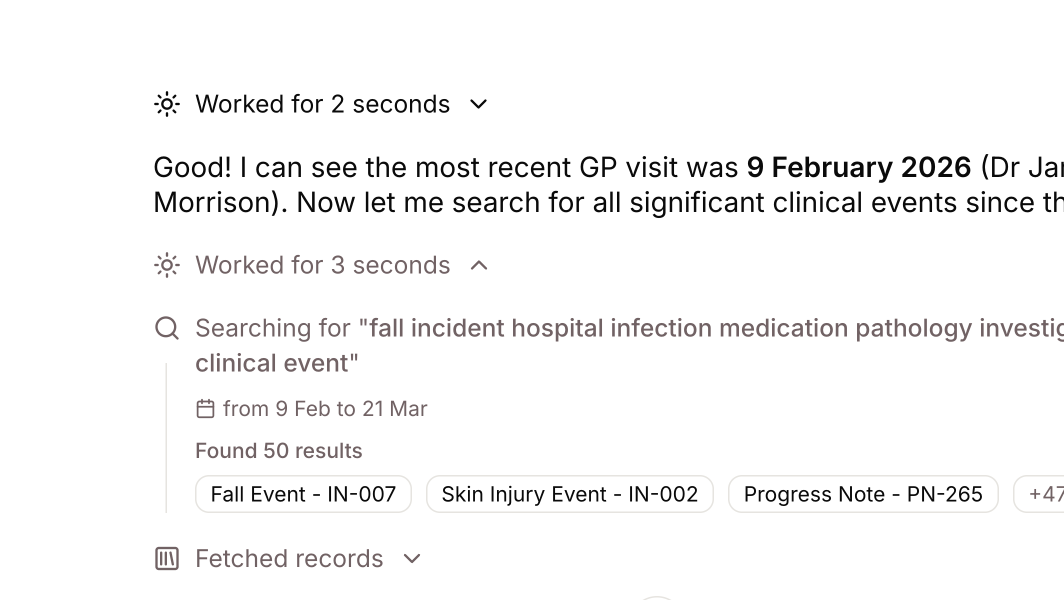
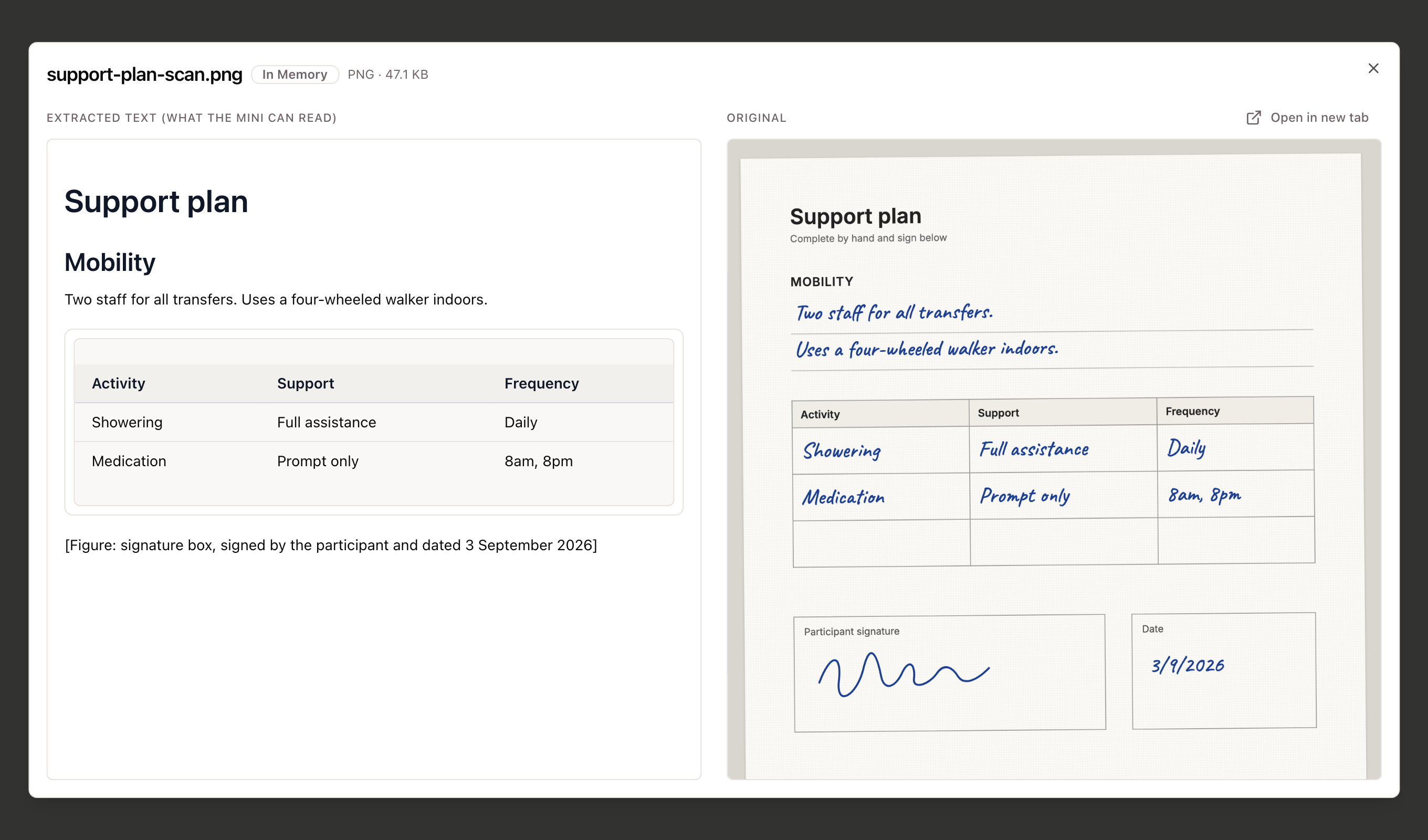
- A new way of reading your documents, rolling out now: we've rebuilt how Minikai reads the files attached to records, so handwriting, tablet-signed forms and harder PDFs can be read and searched, and a Mini can work through a long document from start to finish when a question needs all of it. When a Mini cites a file, you can open the text it read beside the original to check the details, and a document that couldn't be read is clearly marked. We're turning this on for workspaces over the coming weeks.
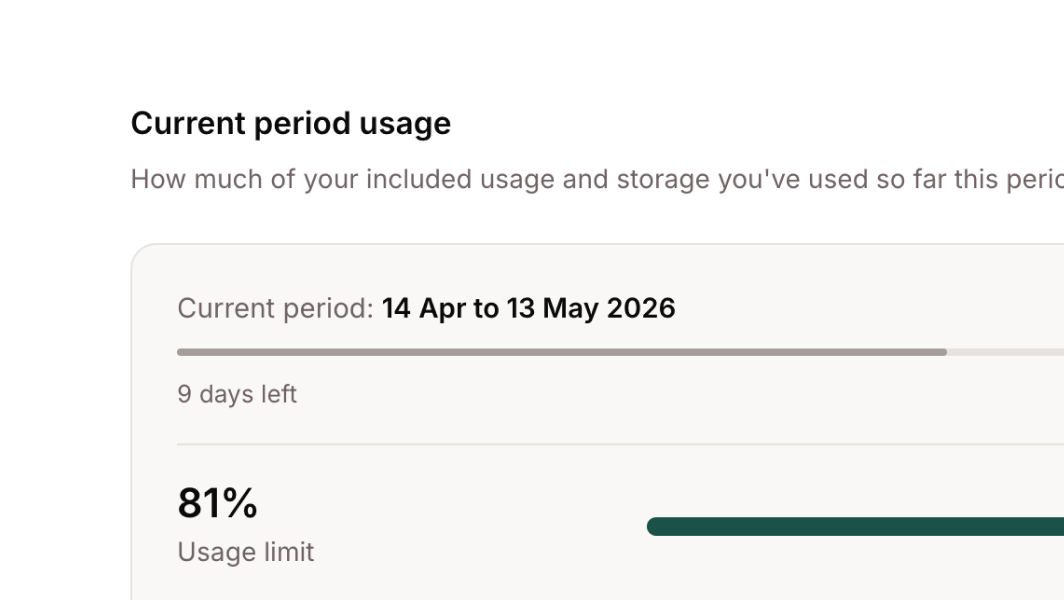
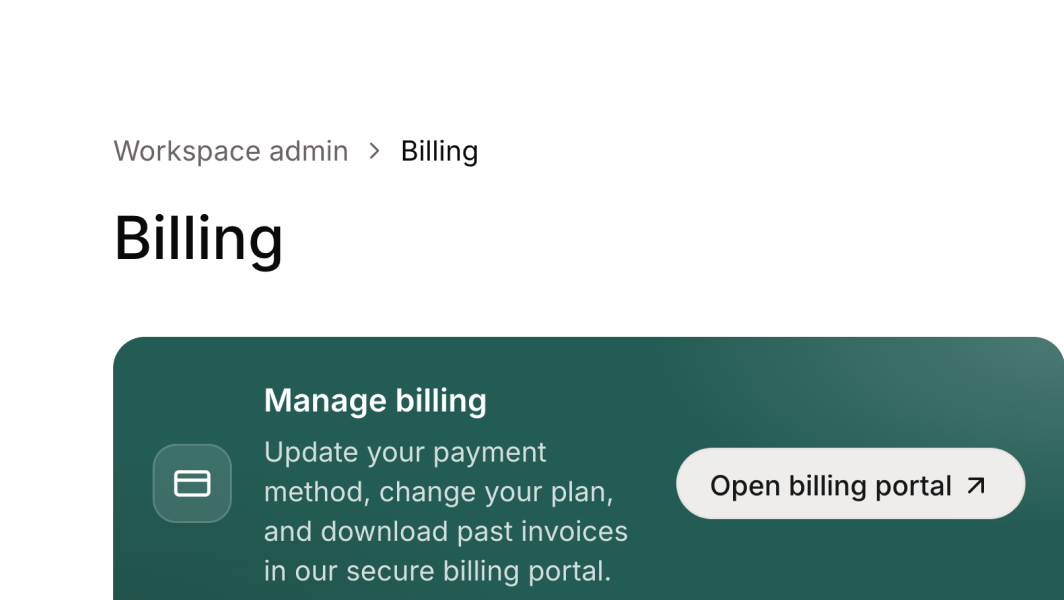
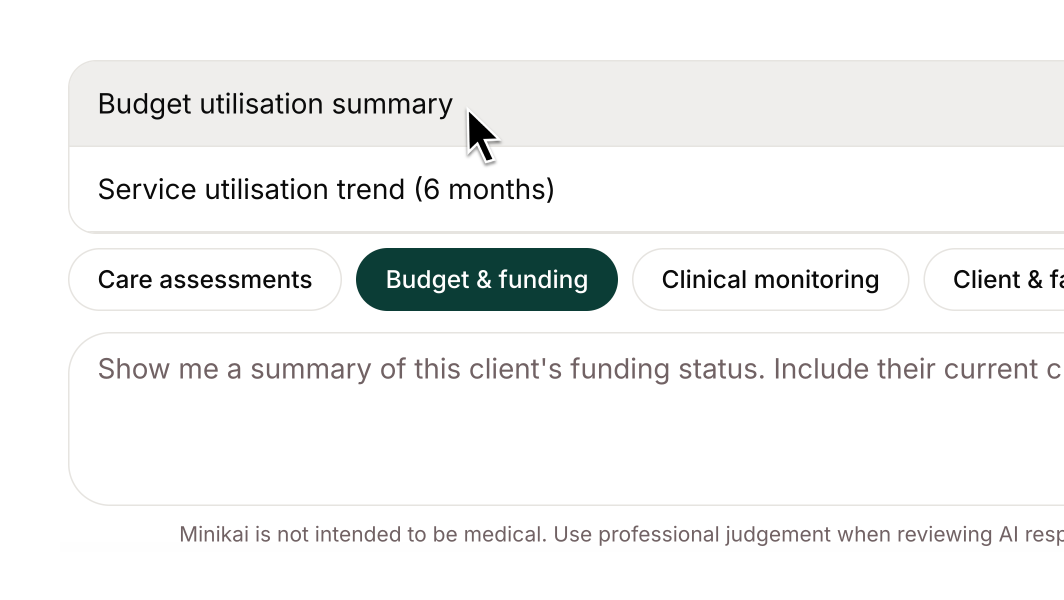
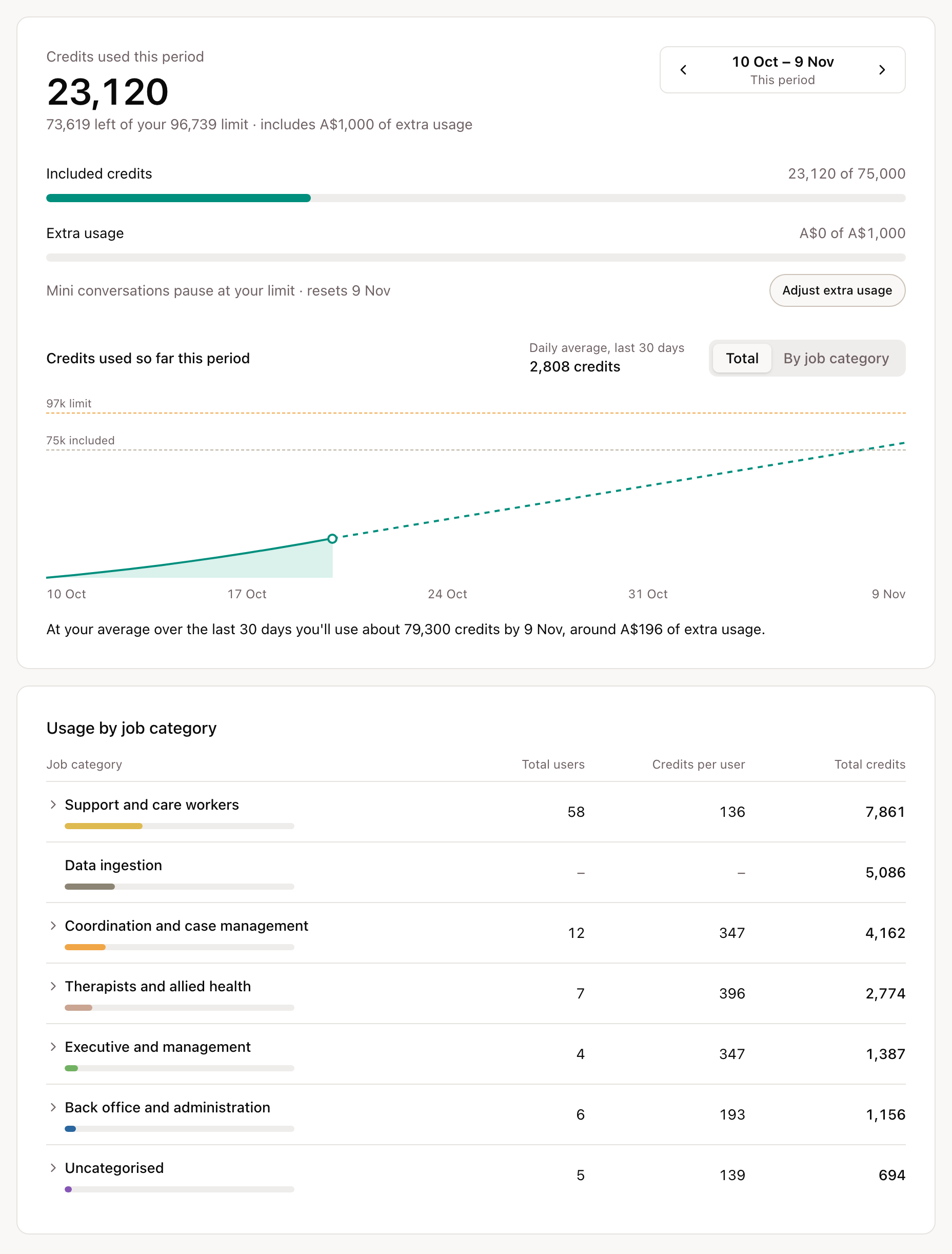
- Understand and plan your usage: the Budget page breaks this period's credits down by job category, and each category opens to the job titles in it. The chart projects usage to the end of the billing period at the last 30 days' rate. You can page back through previous periods, or step forward to a forecast and change the number of users and credits per user in each category to see the effect.
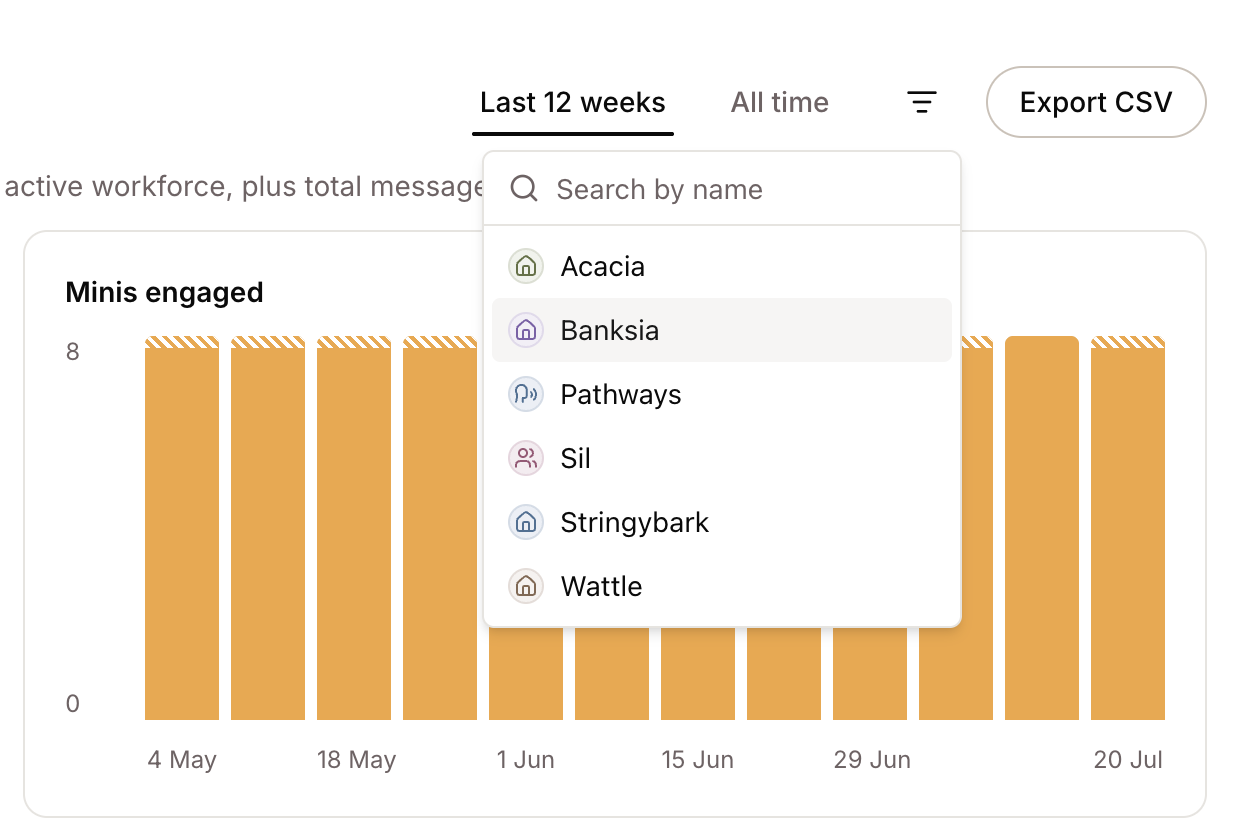
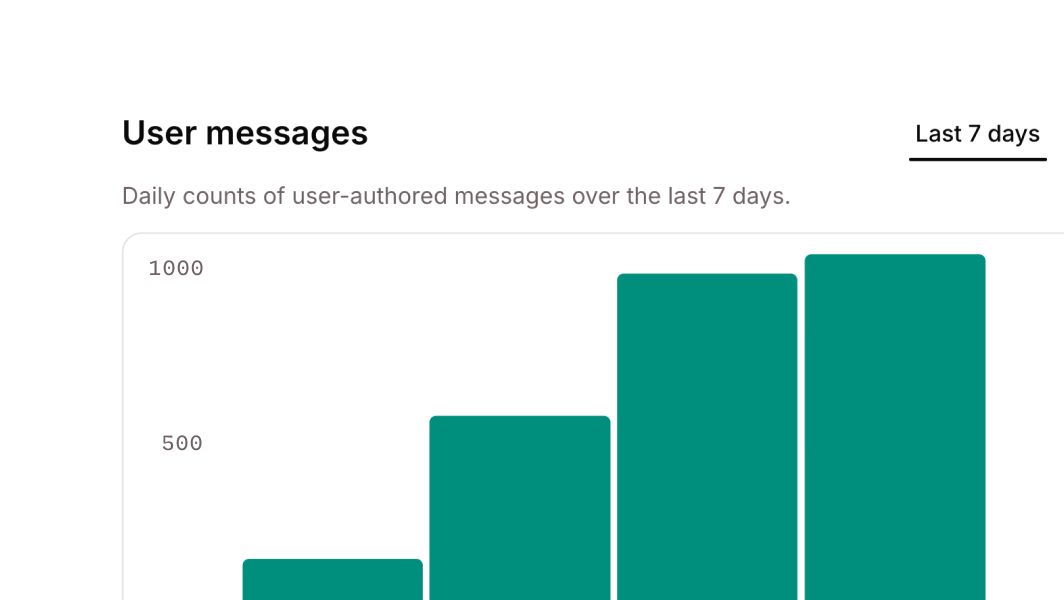
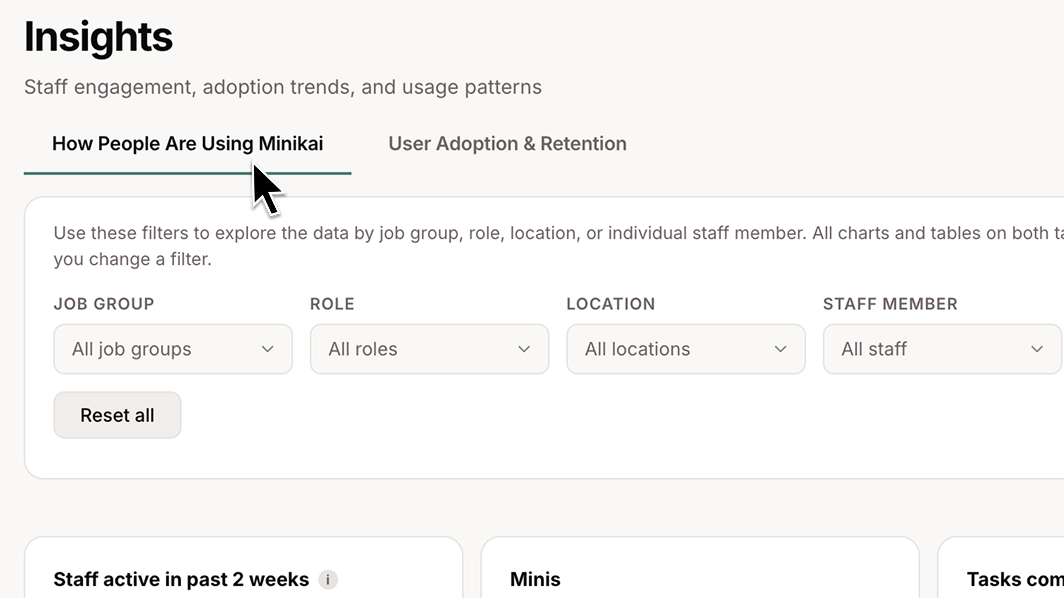
- Insights, reorganised: Insights now has Overview, Users, Minis and Records tabs, with the period and label filters behind one button. Records gets its own section showing record activity for the period, and one workbook export covers every section.
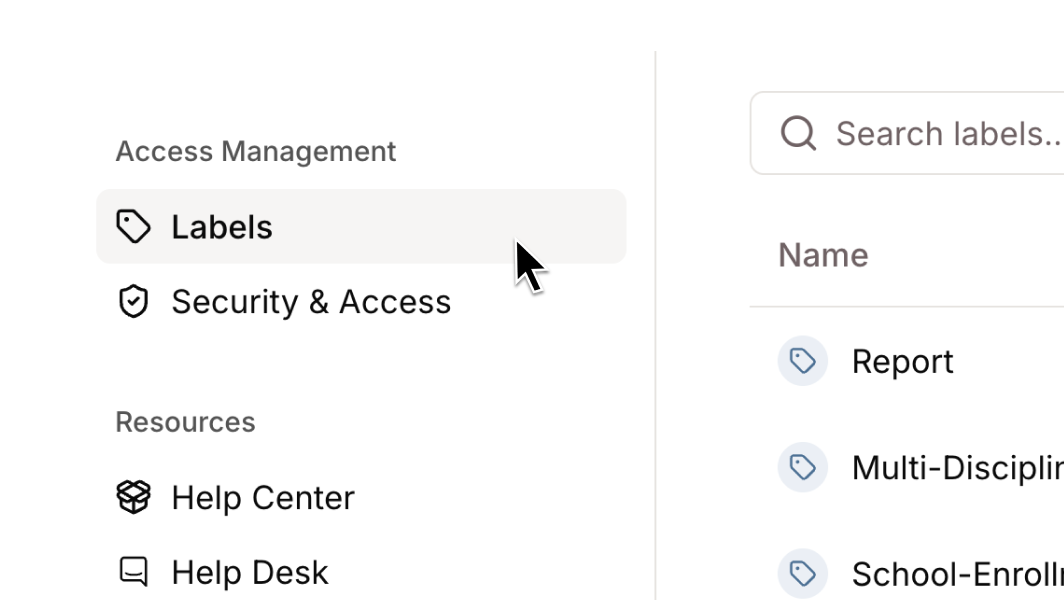
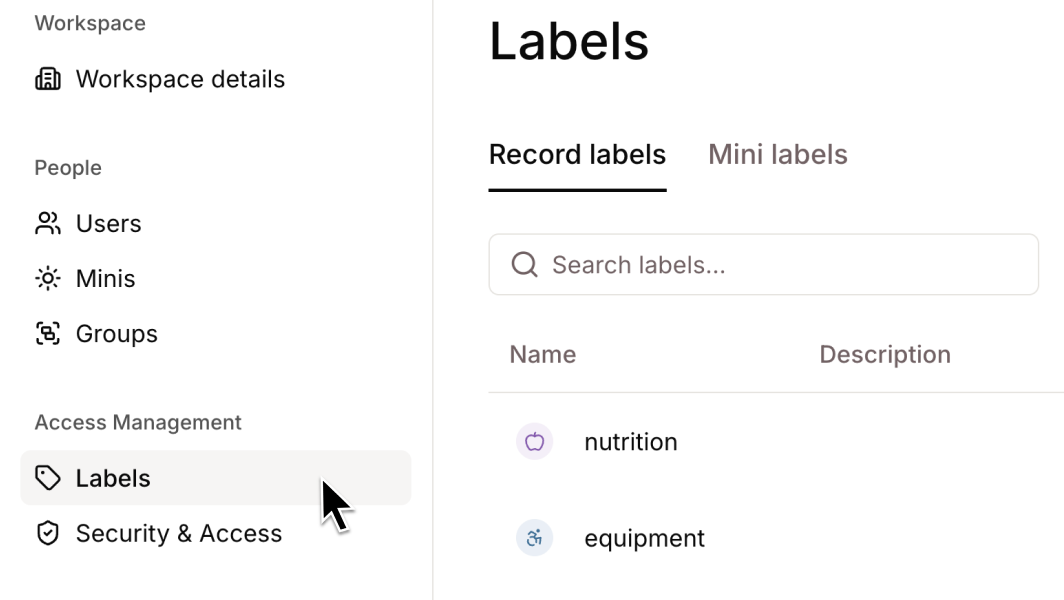
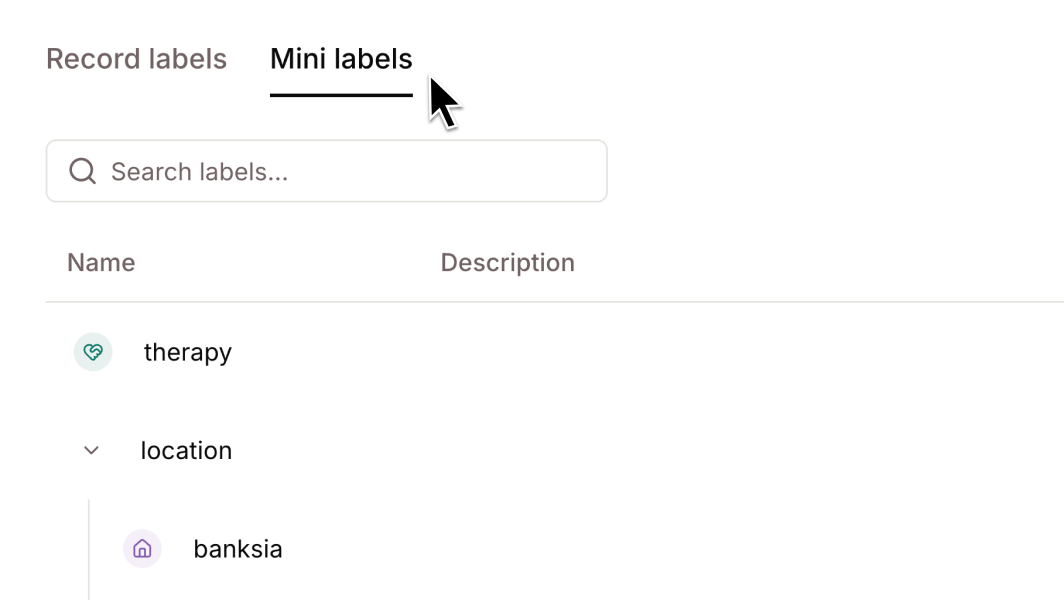
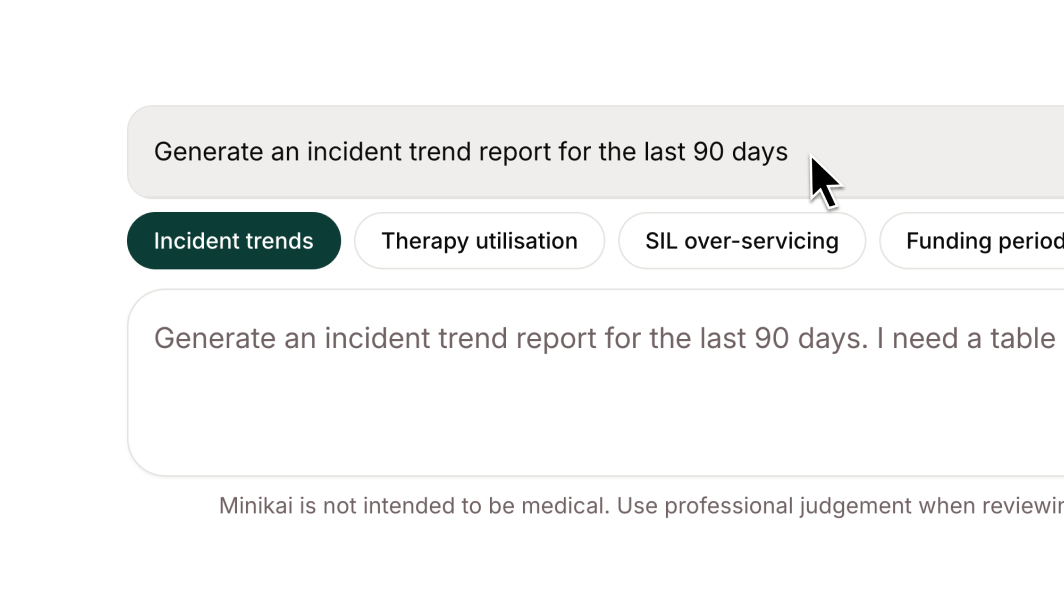
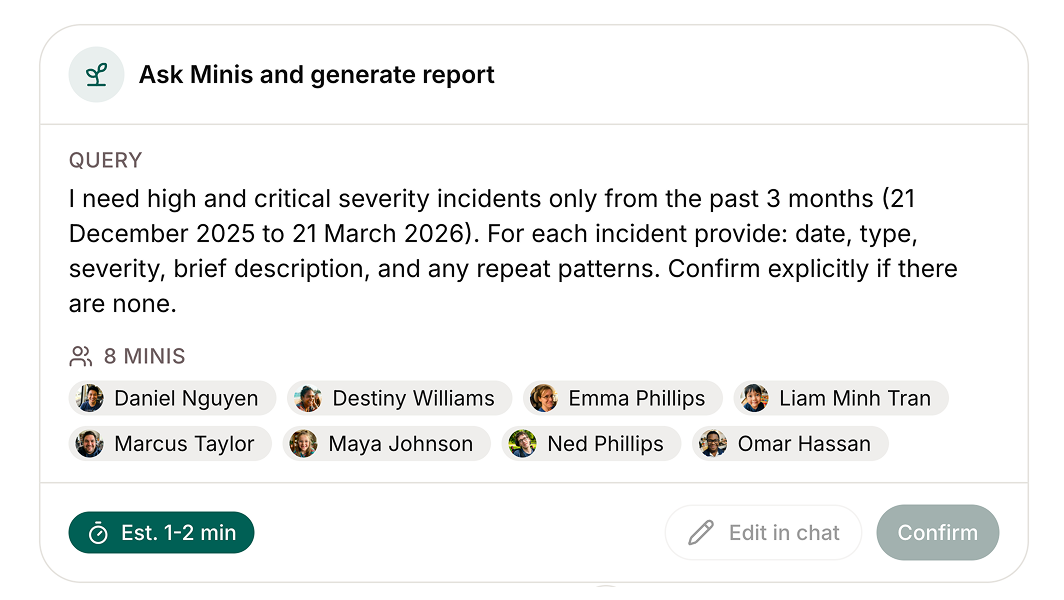
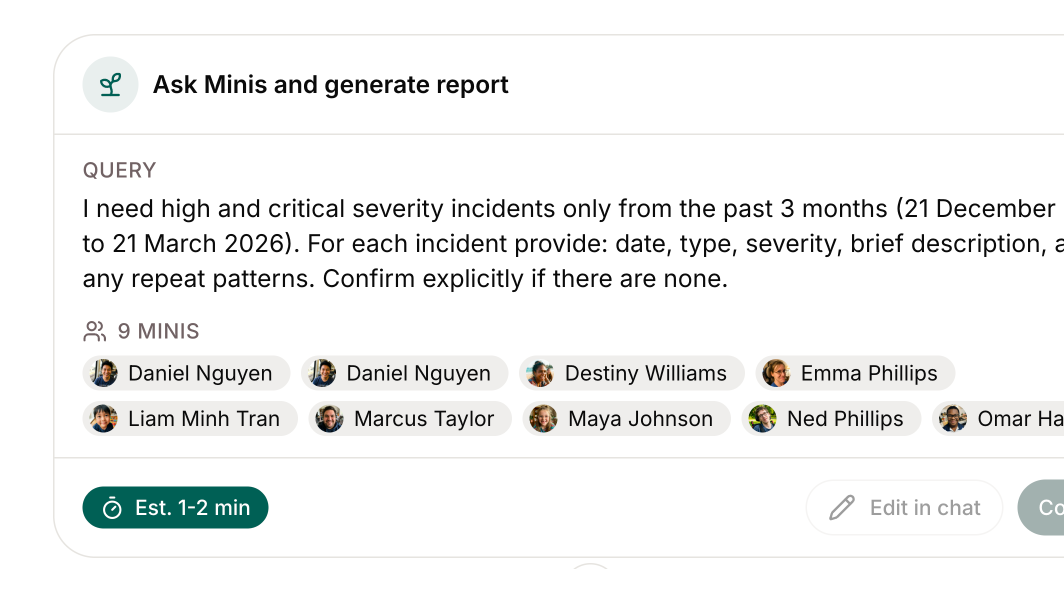
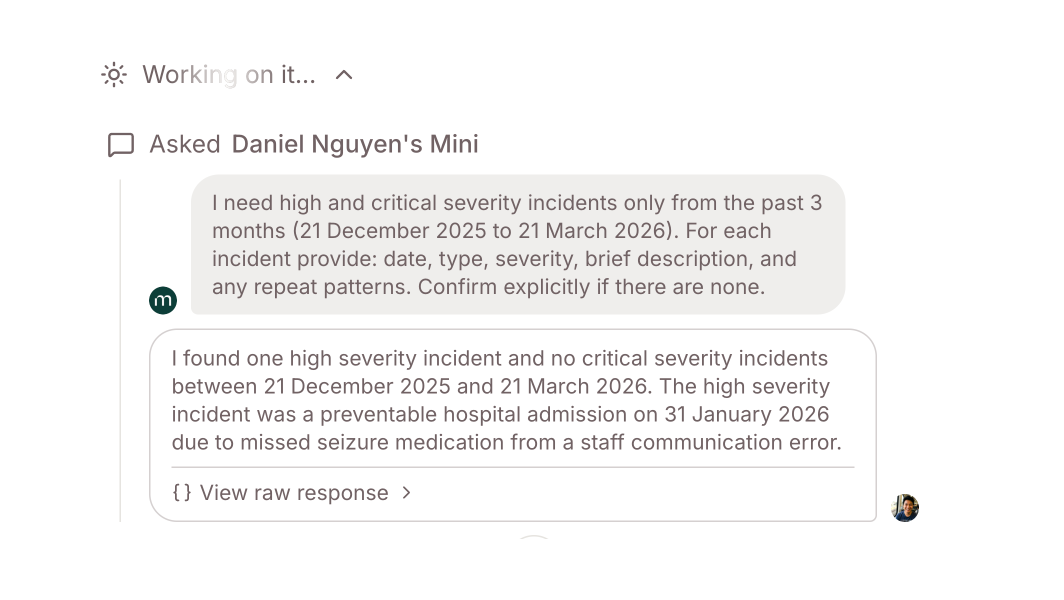
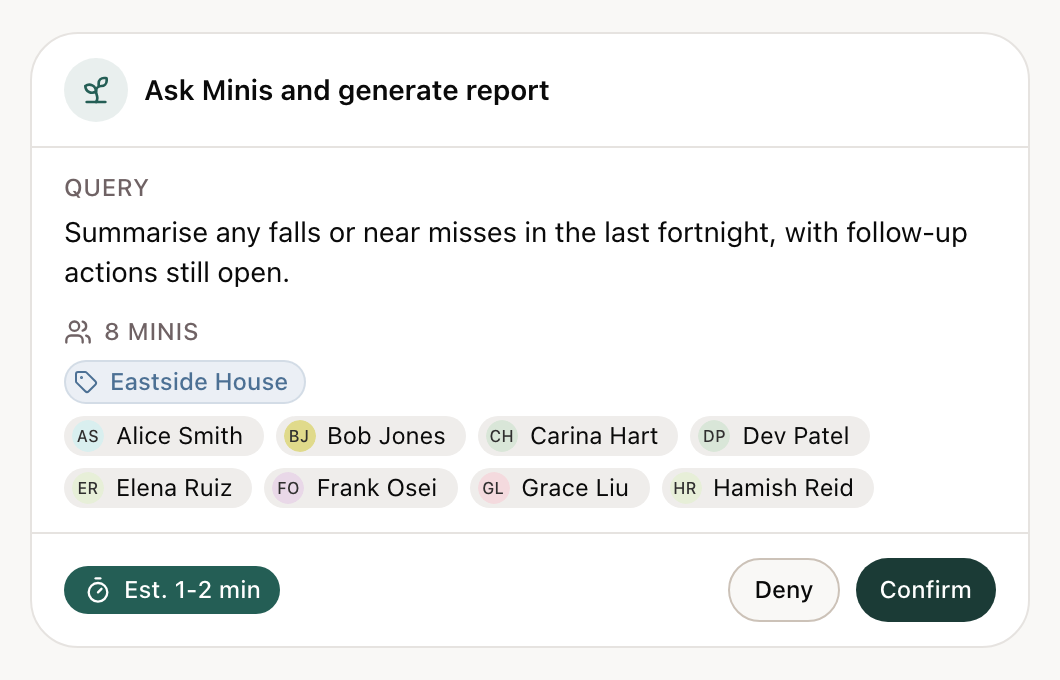
- Ask every Mini under a label: in a Workspace agent chat, ask about a whole site or team by its label without listing each Mini. Before you confirm, the plan shows every Mini it will ask, limited to the Minis you can access. A single request can now cover up to 100 Minis, up from 50.
- Default labels for document imports: choose labels to apply to every file in a document import. AI-suggested labels are added alongside them instead of replacing them.
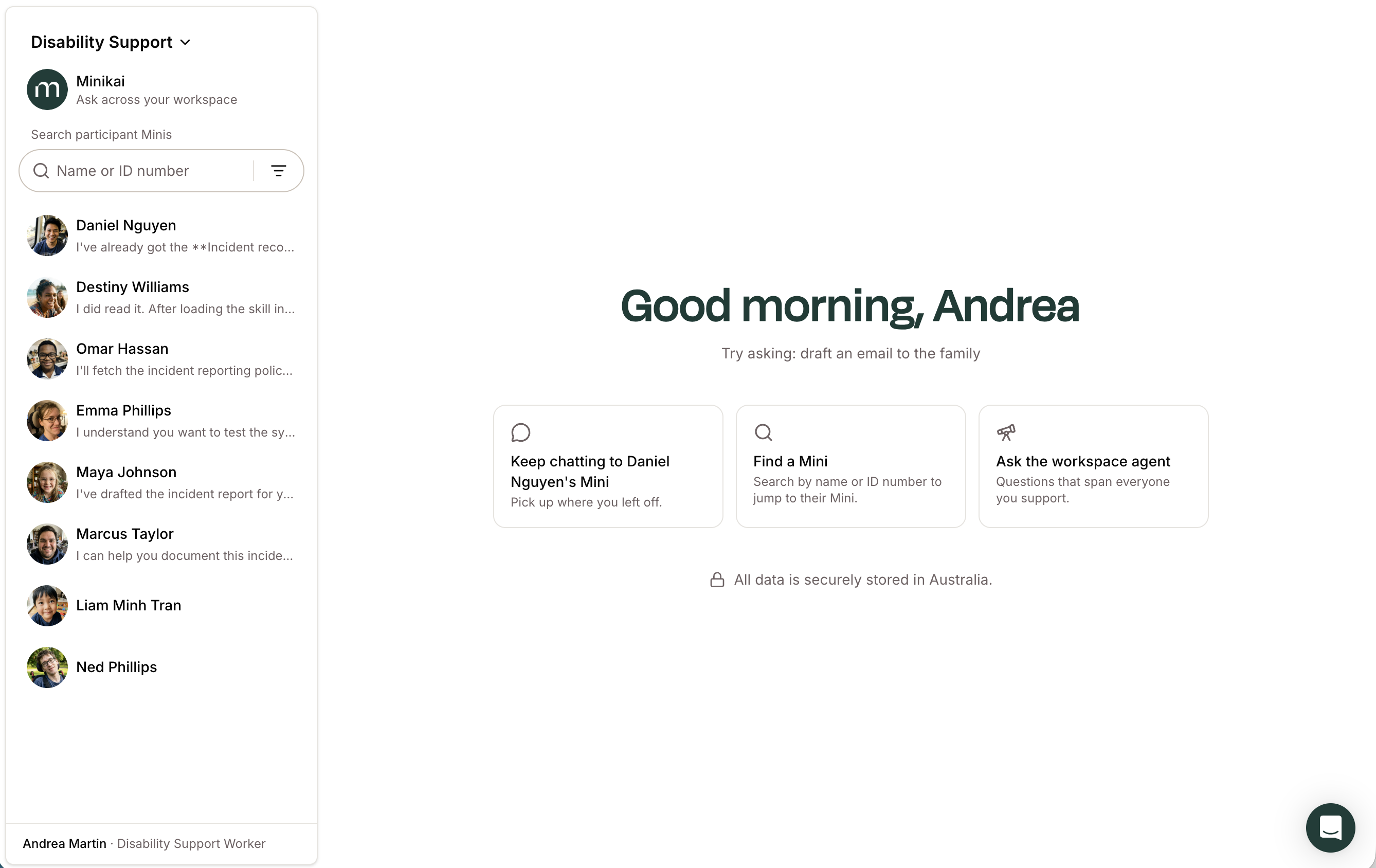
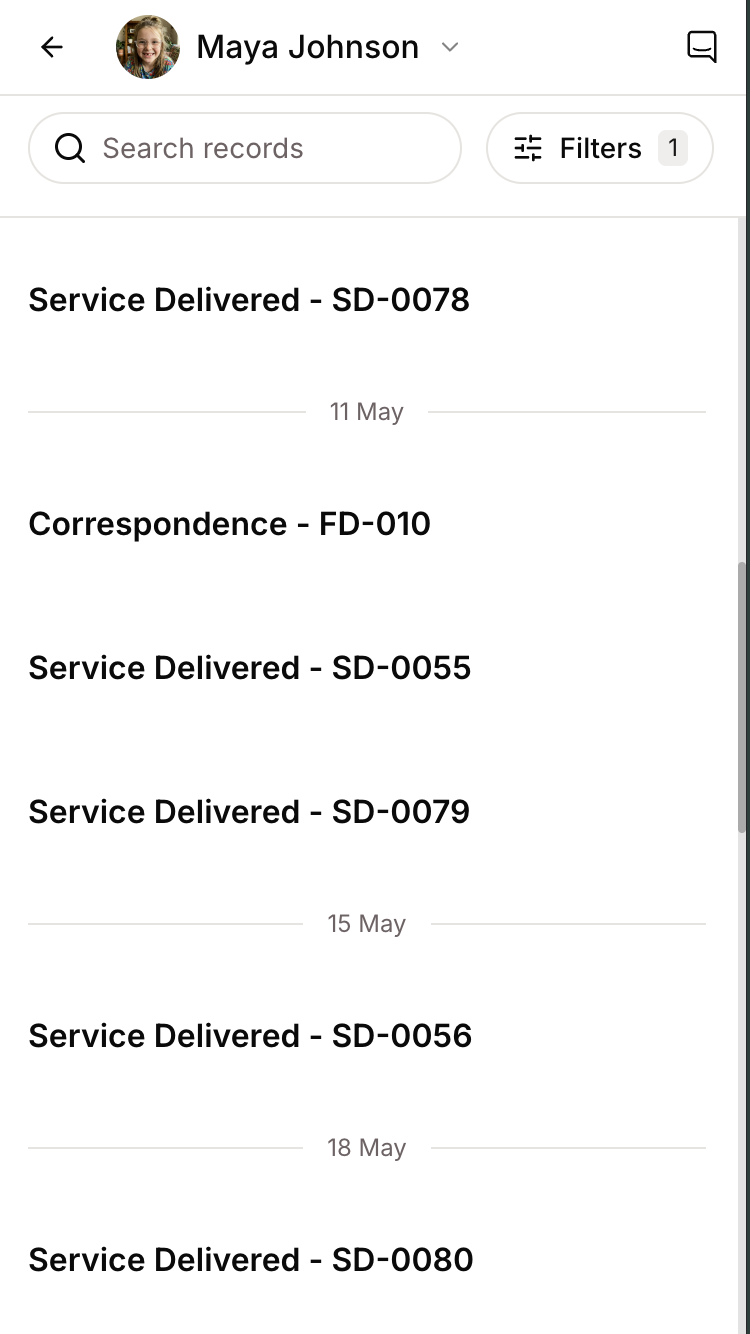
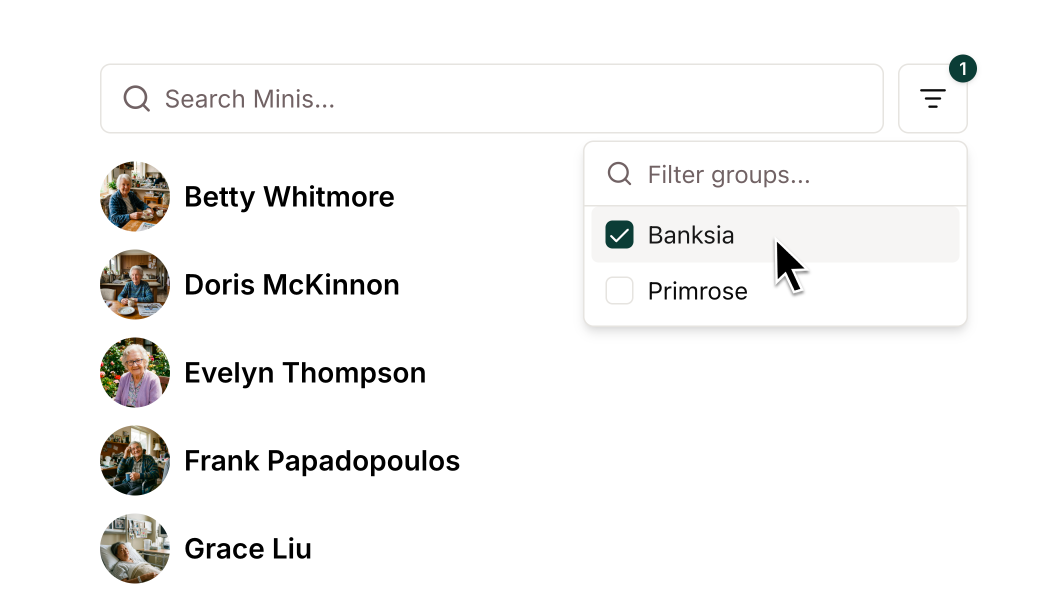
- Clear label filters in one tap: label filters applied in the Mini list now appear as pills under the search bar. Each pill has its own remove button, and Clear all appears when two or more are applied.
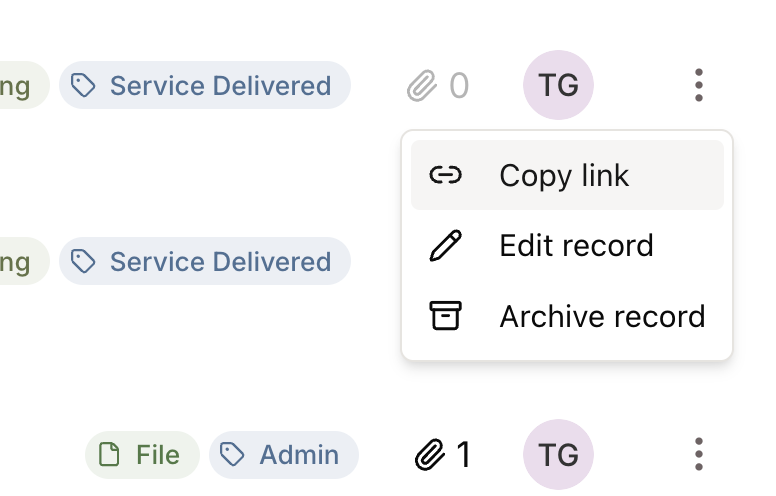
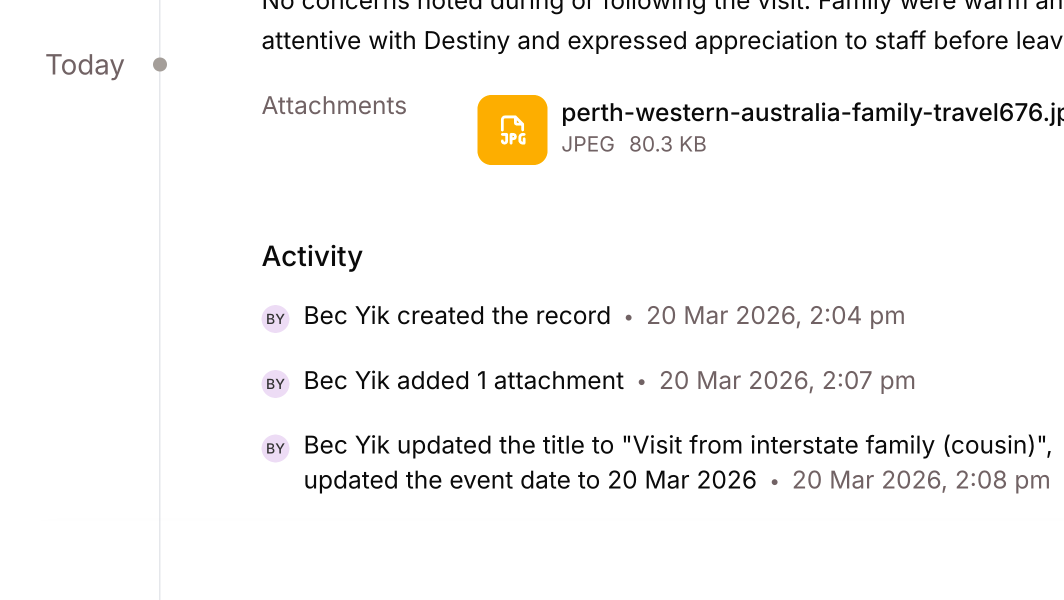
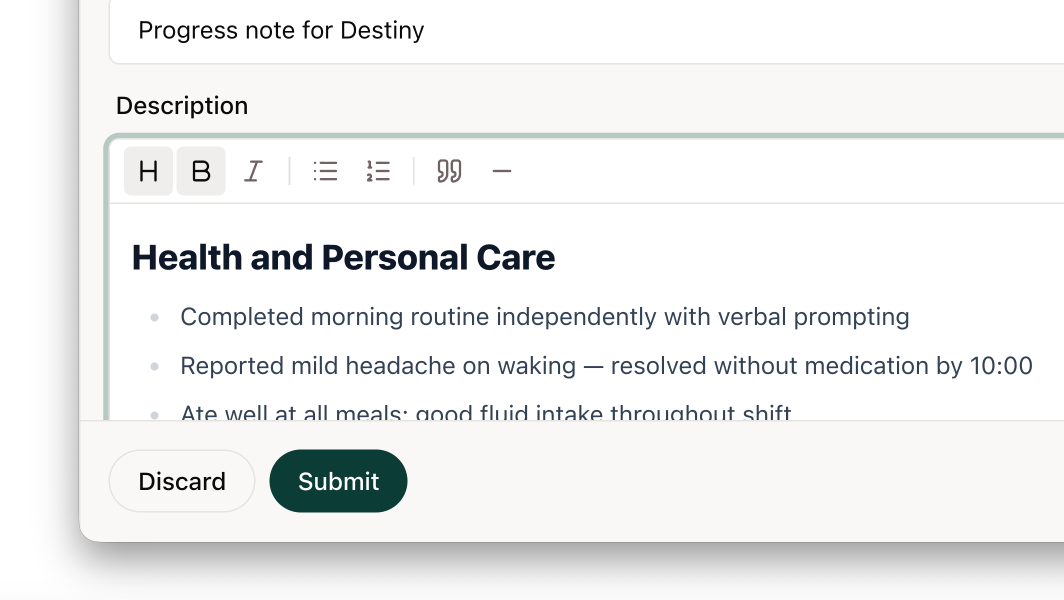
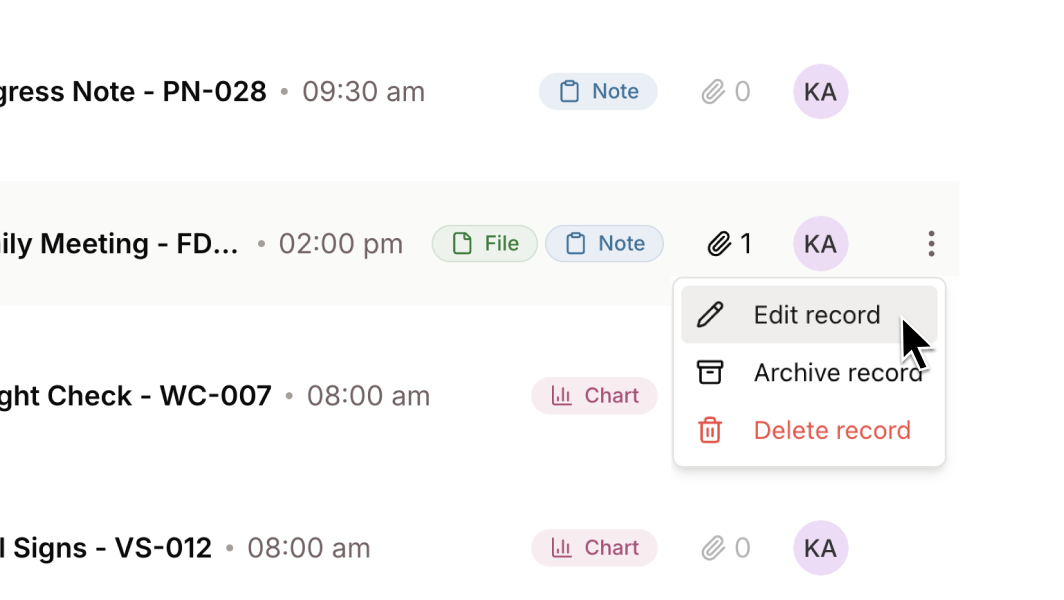
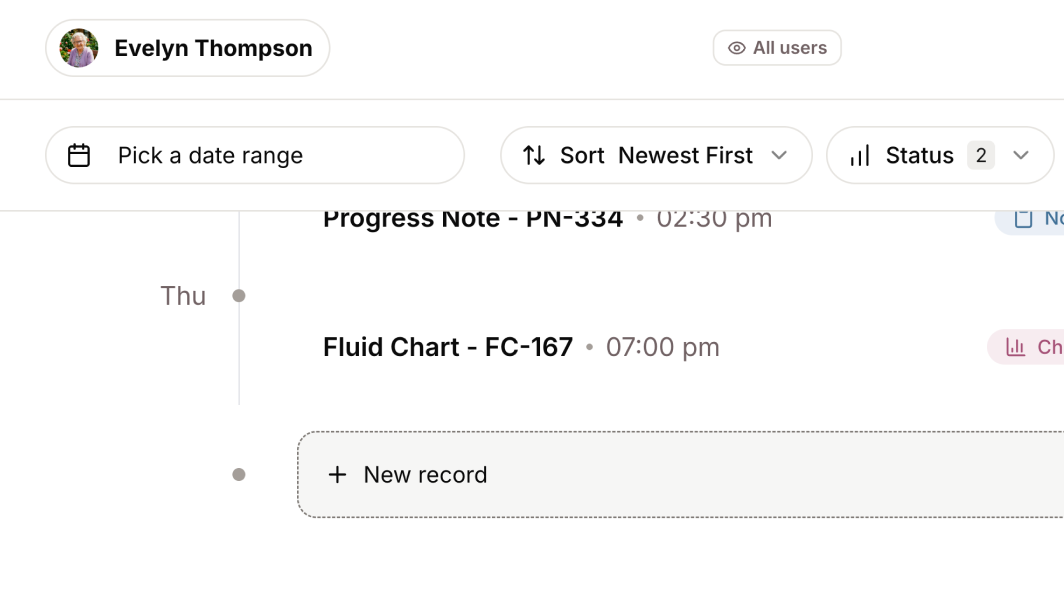
- Submissions on the activity timeline: submitting a draft, archiving a record or restoring one now shows on the record's activity timeline with who did it and when.
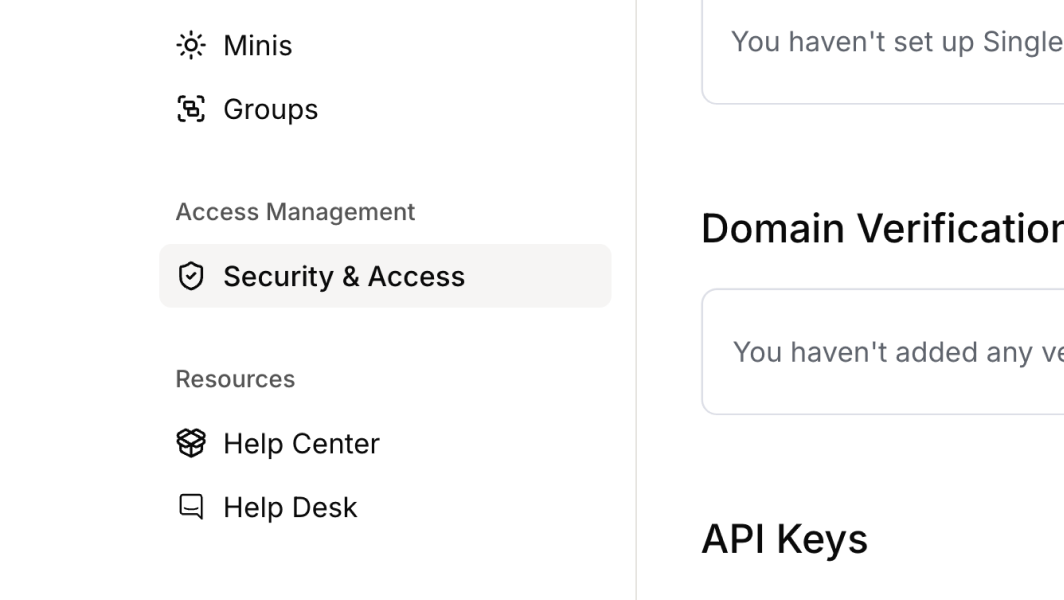
- IT contacts for your workspace: admins can add IT contacts on the Security page in Settings. Those contacts are emailed when sign-in setup needs attention, such as an SSO certificate about to expire.
Improvements
- A faster Workspace agent: confirming a plan starts asking the Minis immediately. Minis are now asked in a continuous queue rather than fixed batches, and the agent reads more of each Mini's answer before replying.
- Stop takes effect straight away: stopping an answer now also ends any Minis it was asking, searches still running and memory saves in progress.
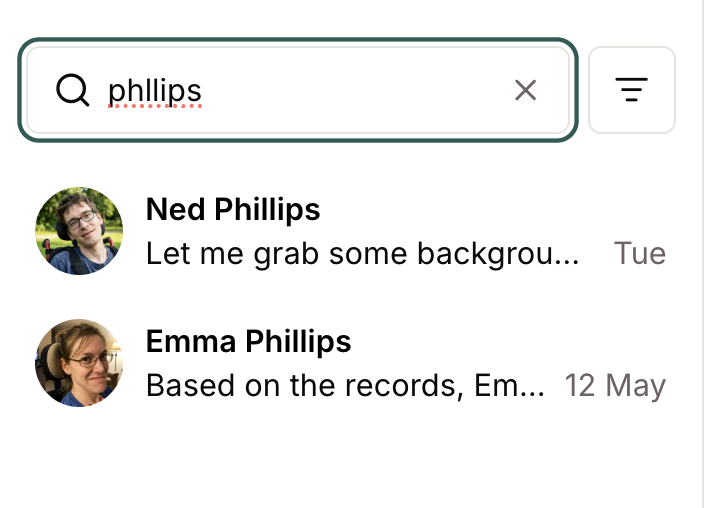
- Find a Mini by surname: Mini search now matches the start of any word in a name, not only the first.
- Notifications only to people who can open the record: the people-to-notify picker lists only people who can view the record, so no one is emailed a link they can't open.
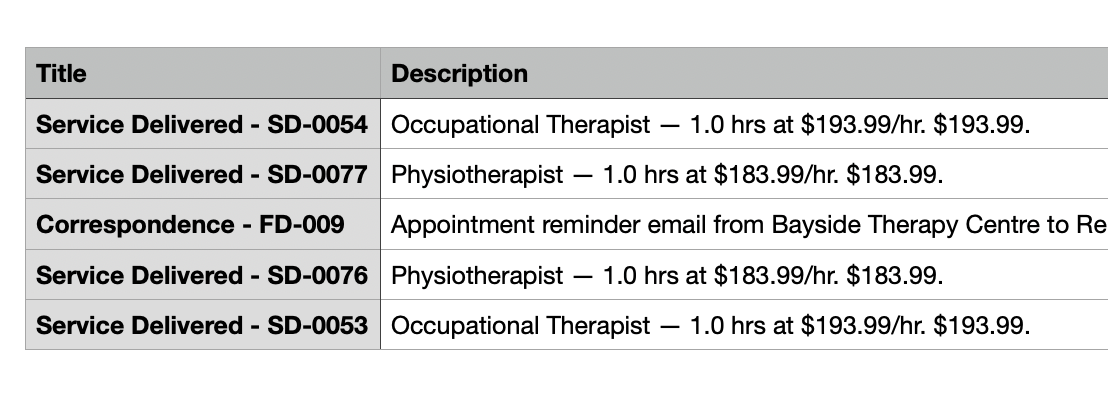
- Full-height tables: tables in a Mini's answer or an open document show every row instead of scrolling inside a small box.
- No unrequested email drafts: a Mini no longer opens a blank email draft at the end of a long answer.
- Clearer connection errors: when a chat's connection drops, for example when a phone locks, the chat now says it had trouble connecting and offers Retry. We've also fixed a fault that said your message might not have sent when it had saved correctly.
- Skipped questions read as skipped: a question from a Mini that you scrolled past now shows as unanswered instead of as an error.
Bug Fixes
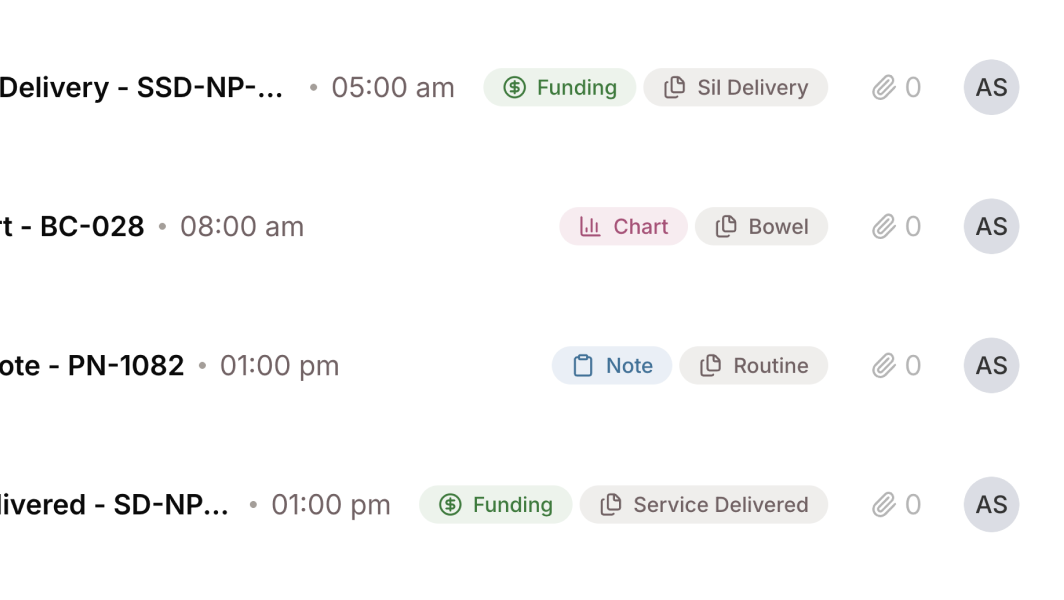
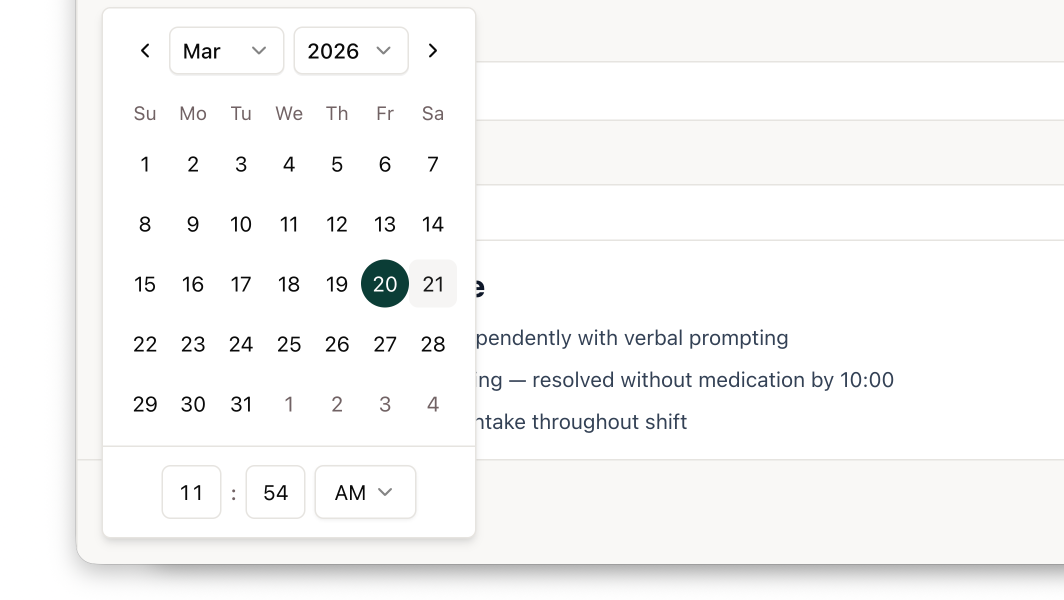
- Date-only fields, such as the date on a bowel chart entry, now save as a date, so changing the date no longer stops a record submitting. A rejected submit now names the fields to fix.
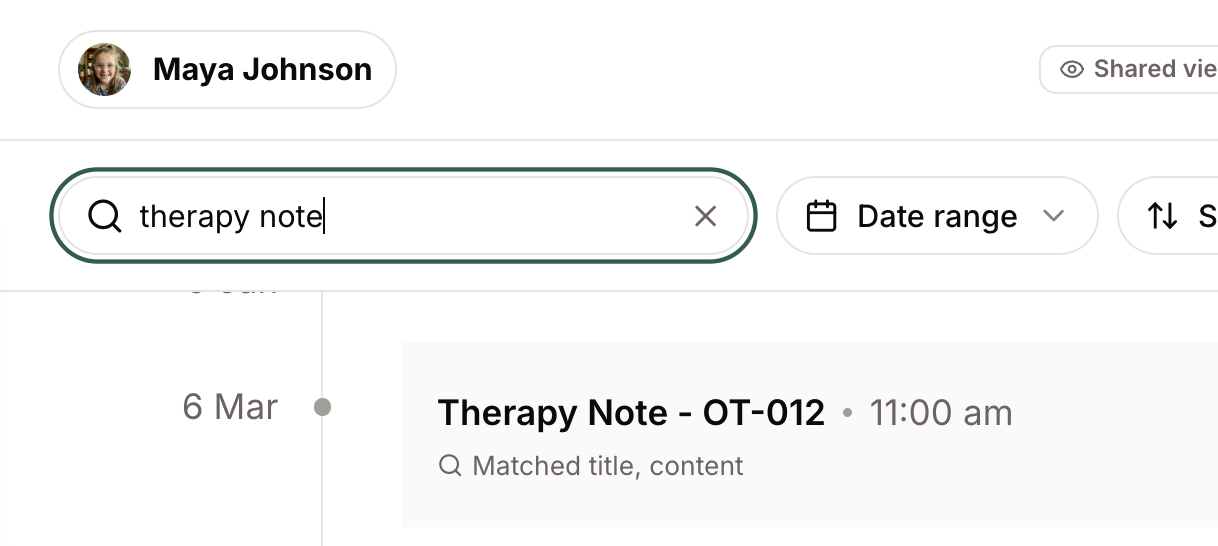
- A search containing a standalone hyphen, such as "Care Plan - Pain", now returns results.
- Spreadsheet imports keep every column when a header name is repeated.
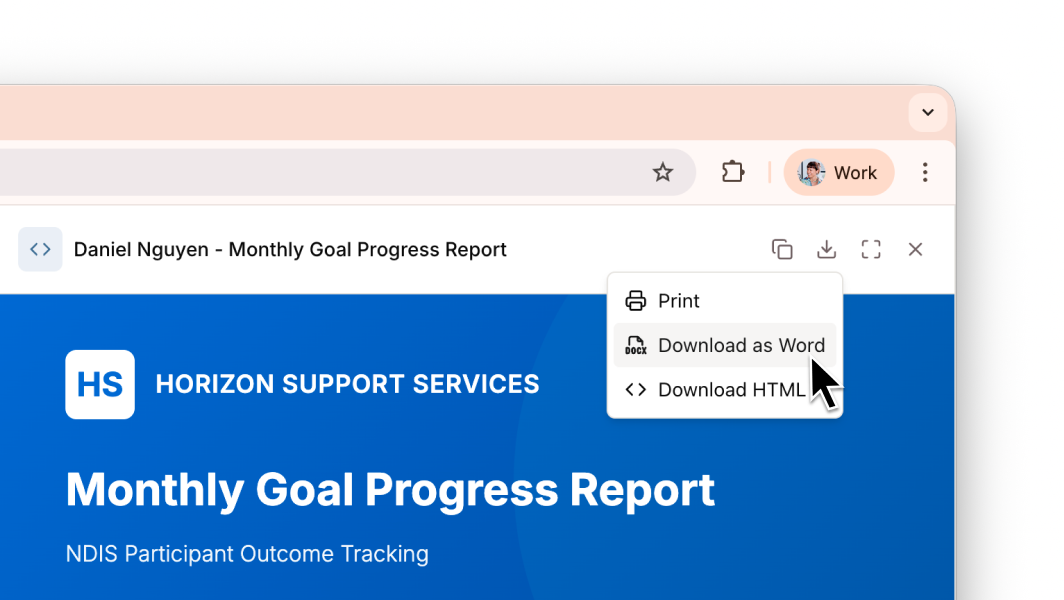
- Downloading a generated document as Word no longer fails on certain tables.
- People whose access comes from labels can now edit their own unlabelled records and drafts.
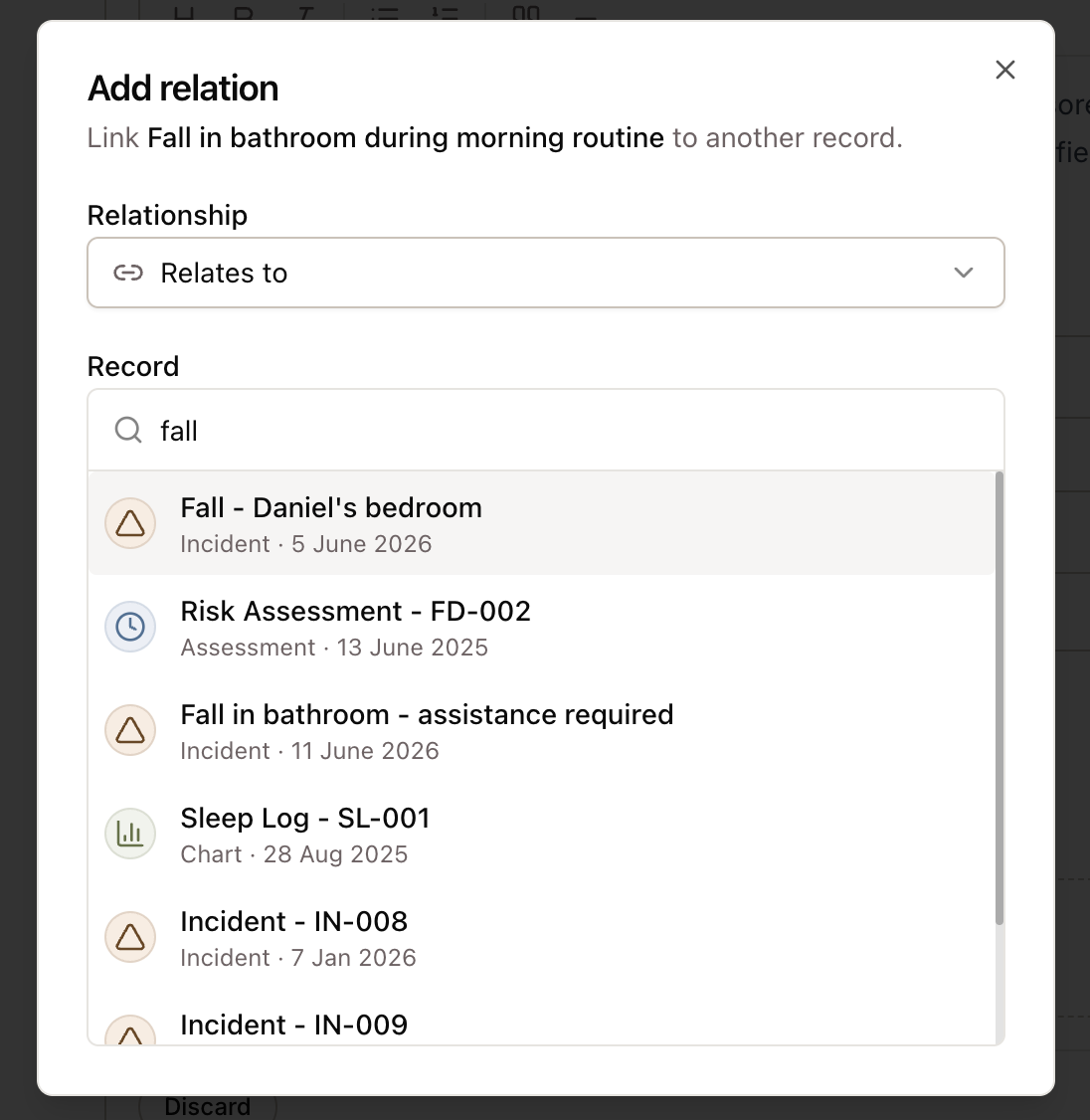
- A record linked to a record you can't edit can now be saved.
- One record without a title no longer stops a Mini retrieving the rest.